Haruda FocusPomodoro study timer
Some days you sit at your desk for hours and still feel like nothing got done. Track the time you actually focused, not just the time you sat there. Haruda Focus is a Pomodoro study timer that measures your study time and locks distracting apps while you focus.
Free · iOS · Android
Features
Pomodoro timer
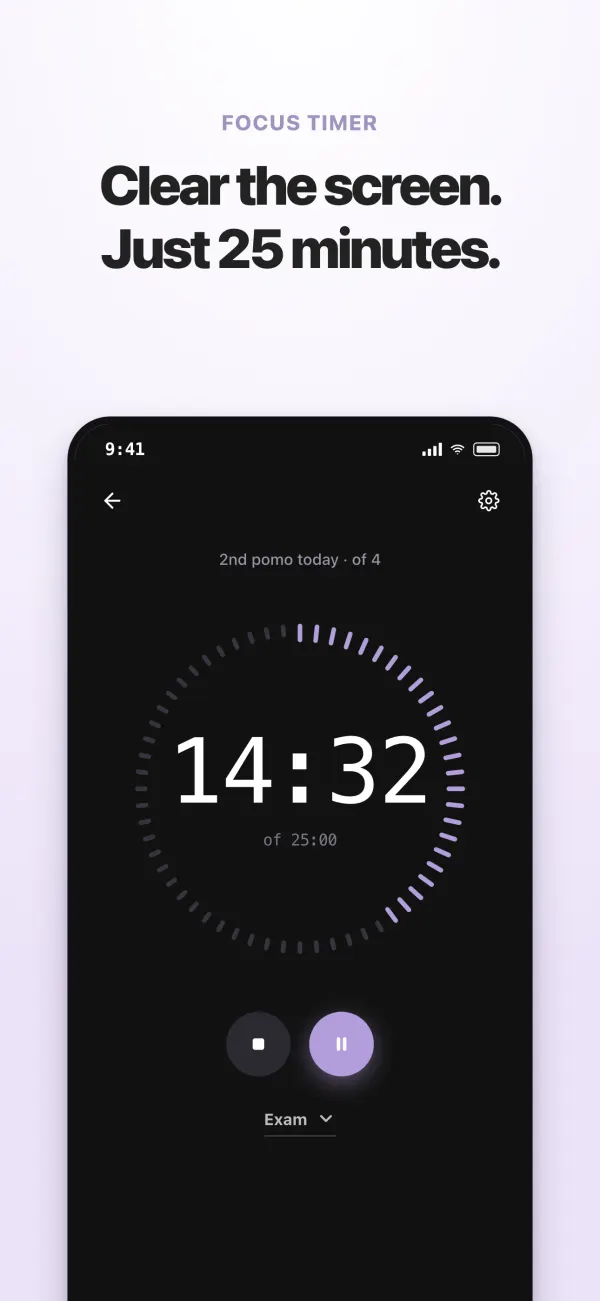
Alternate 25 minutes of focus with 5-minute breaks, in sets. Set the long break and how many rounds make a set, save your own Pomo Presets, and turn on Auto flow so focus sessions and breaks follow one another on their own. If setting things up feels like a chore, just start the stopwatch. For fixed blocks like a practice test, start a saved timer.
Focus Lock
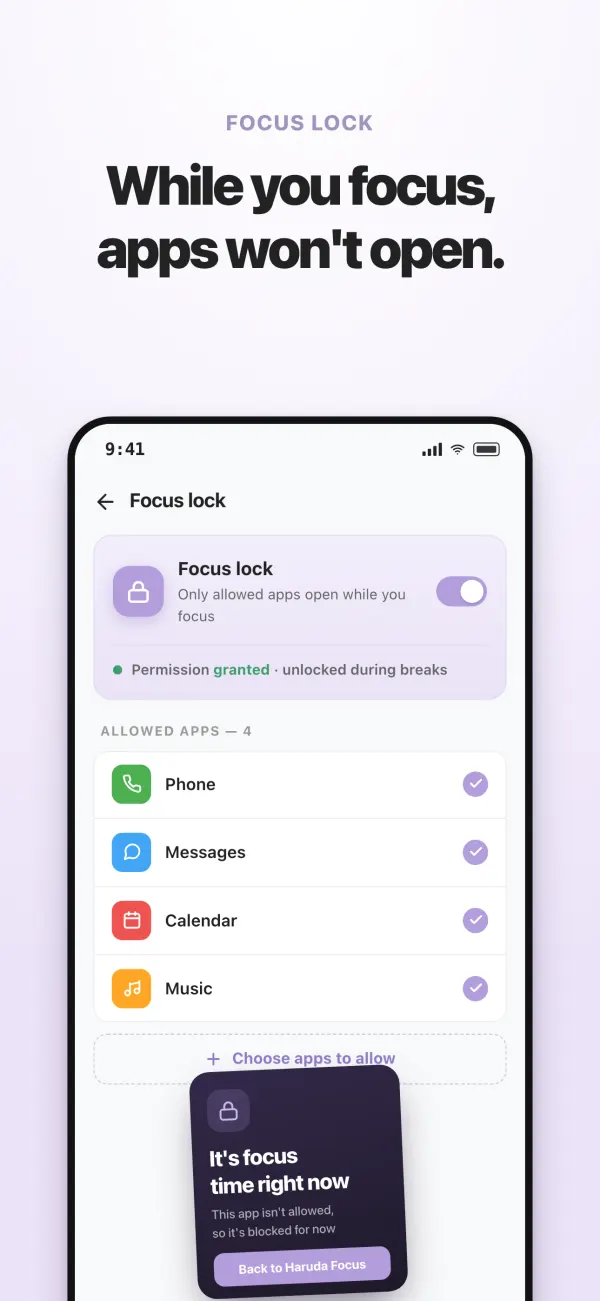
While you focus, only the apps you allow will open, and the lock lifts during breaks. Instead of fighting distractions with willpower, you keep them from opening at all.
Focus Score and stats
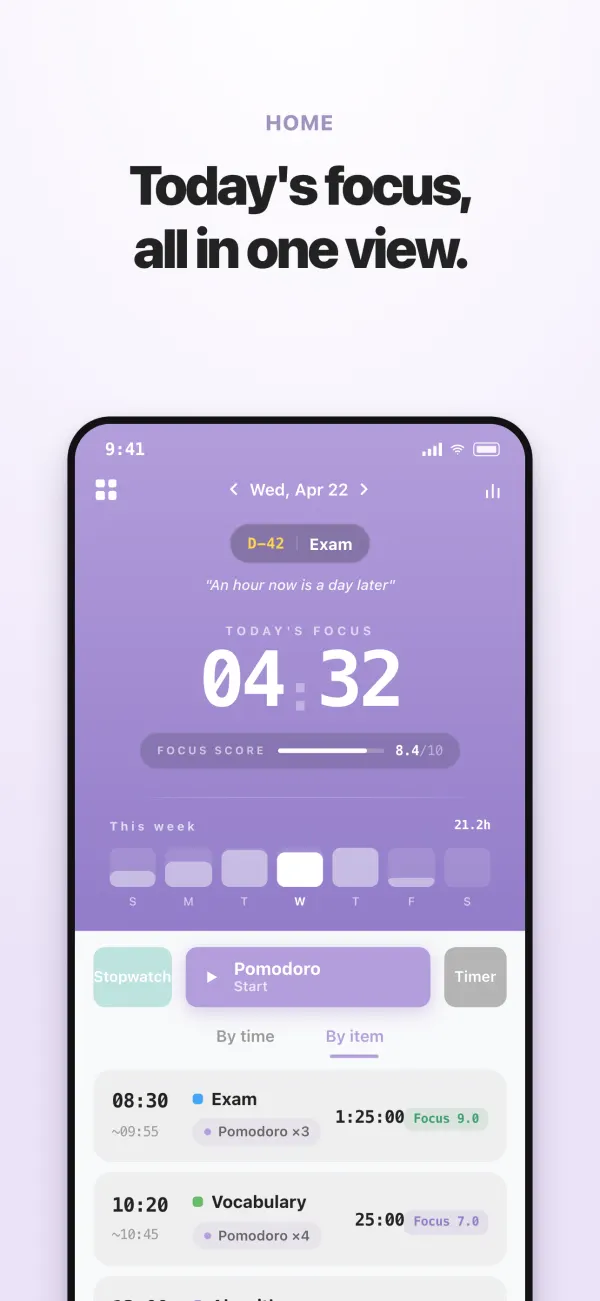
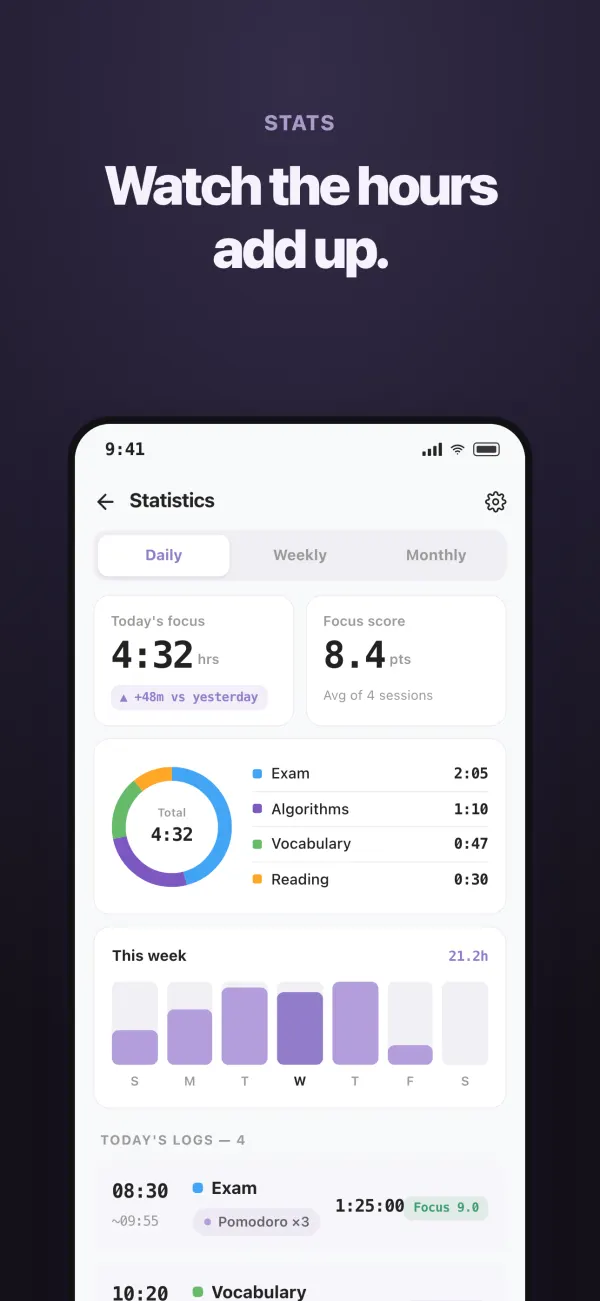
When a session ends, give it a Focus Score for how deeply you focused. A 24-hour timeline, daily, weekly, and monthly stats, and per-subject study logs show you your focus patterns.
D-Day countdown
See how many days are left until finals or your next big exam every time you open the app.
Widgets
See today’s focus time and your nearest D-Day without opening the app. Tap the start button on the widget to open the app, and your focus session begins 3 seconds later. On iPhone, there are Lock Screen widgets, too.
Together
Sign in and create a private space with a few friends, where you can see each other focus and leave quiet cheers. No leaderboards, just the feeling of studying side by side.
And more
Sound, vibration, and flash alerts when a session ends. Sign in to keep your records when you switch devices. Available in 13 languages.
Who it’s for
- —High school and college students preparing for finals and entrance exams
- —Anyone studying for a civil service, licensing, or certification exam
- —Anyone who wants to log real study hours every day
- —Anyone whose phone keeps breaking their focus while studying
Common questions
Is it free?
Yes. It’s free to download, and all the core features are included. Premium, a one-time purchase, removes ads and lets you create unlimited Pomo Presets. On the free version, you can save up to 3.
How does it track my study time?
The time you spend focusing with the Pomodoro timer or the stopwatch adds up. Assign subjects, and you can see that time broken down by subject and in daily, weekly, and monthly stats.
How does Focus Lock work?
Turn on Focus Lock and choose which apps to allow. While you focus, only those apps will open, and the lock lifts during breaks. On Android, it uses the Accessibility permission only to see which app is open. It never reads what’s on your screen.
Do I need an account?
No. You can start right away without one. If you sign in, your records follow you to a new device, and you can focus together with friends.